
CFA Study App for Lessons, Quizzes, and Progress
Study does not always happen at your desk. The KeyPoint Learning mobile app helps CFA candidates review lessons, take practice quizzes, and track progress from their phone. Use it with your KeyPoint Learning account to keep your prep moving when you are away from your computer.


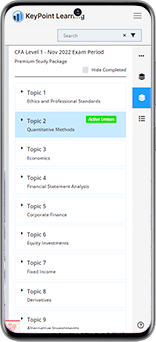
Keep Your CFA Prep Moving
You do not always get a perfect study block. Some days, you only have a short window between work, class, travel, or other commitments.
The KeyPoint Learning mobile app helps you turn those short windows into review time. Use it to review lessons, complete quick practice, and check your progress when you are away from your computer.
For deeper study sessions, use the full web platform for longer review, mock exam work, and focused practice.

What You’ll Be Able to Do in the App
The KeyPoint Learning CFA app gives you mobile access to the study tools you need most: lessons, quizzes, progress tracking, and package-based study content.
Open KeyPoint lessons from your phone when you have time to study outside your usual setup.
Use short practice sessions to test what you know and keep review part of your weekly routine.
See what you have completed, what still needs attention, and where your next study session should focus.
Move between desktop and mobile without losing your study direction. Use the app when you are away from your computer, then return to the web platform for longer study sessions.
Use the app with your active KeyPoint Learning CFA study package. Your access depends on your account, package, and CFA level.
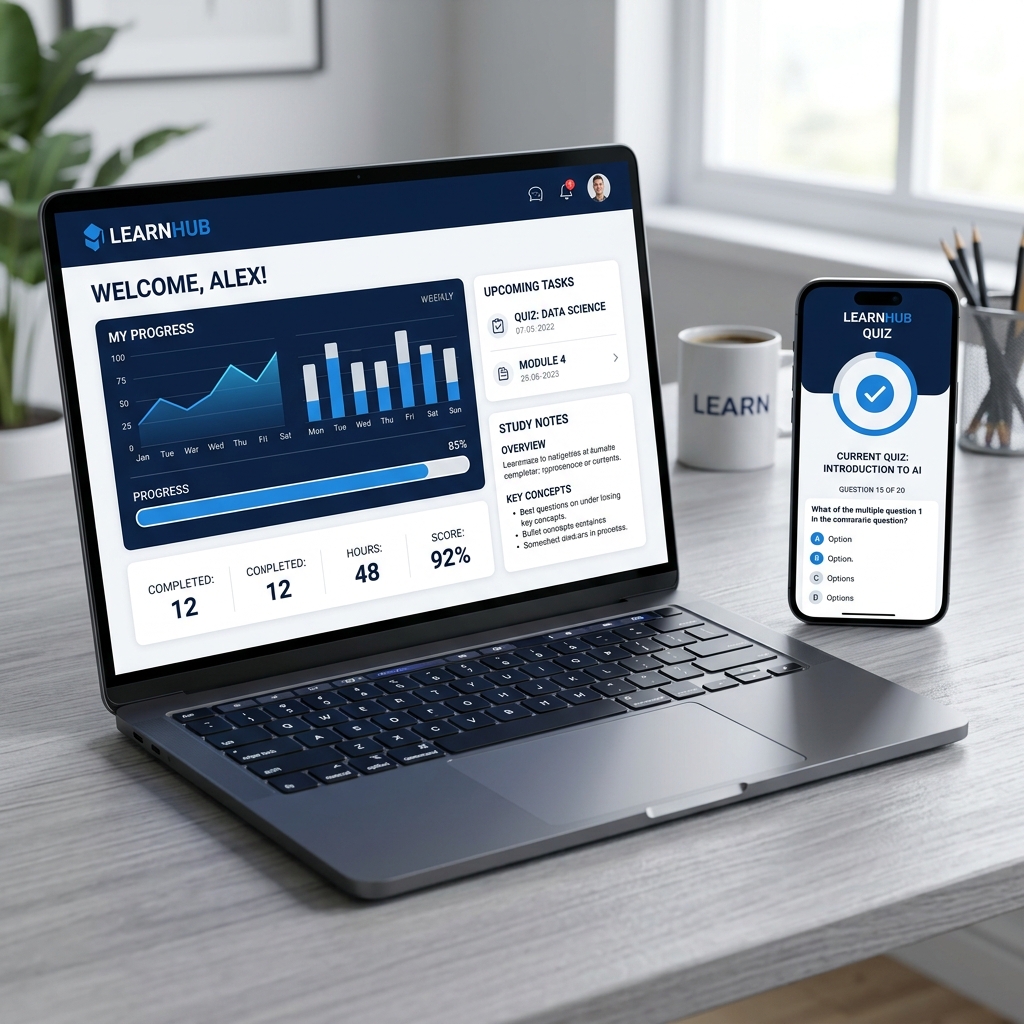
Web and Mobile Work Together
The mobile app supports your study routine without replacing your full study setup.
Use the web platform for longer sessions, deeper review, and full mock exam work. Use the app for shorter lessons, quick quizzes, and progress checks when you are on the move.
Together, web and mobile give you more ways to stay connected to your CFA prep throughout the week.
Built for Short Study Windows
A full study session is not always realistic. That does not mean the time is wasted.
The app helps you use the small windows that often appear during a busy week. You can review a lesson during a commute, complete a short quiz between classes, or check your progress before planning your next desktop session.
Small sessions will not replace deep study, but they can help you stay close to the material between longer blocks of work.
Need a CFA Study Package First?
The KeyPoint Learning app works with your CFA® study package, so your access depends on your account, package, and level. If you have not chosen a package yet, compare your options first.
Compare CFA Level I Study PackagesCFA Level I
Start your CFA® journey with comprehensive exam prep packages.
CFA Level II
Master application and analysis with targeted packages.
CFA Level III
Prepare for portfolio management and essay questions.
FAQs About Keypoint Learning’s Mobile App
Prepare for the CFA Exam With KeyPoint Learning
The KeyPoint Learning mobile app helps you review lessons, take quizzes, and track your progress from your phone. Download the app, sign in with your account, and keep your CFA prep moving wherever you study.